7. Banking and reconciliation
7.1 Bank accounts
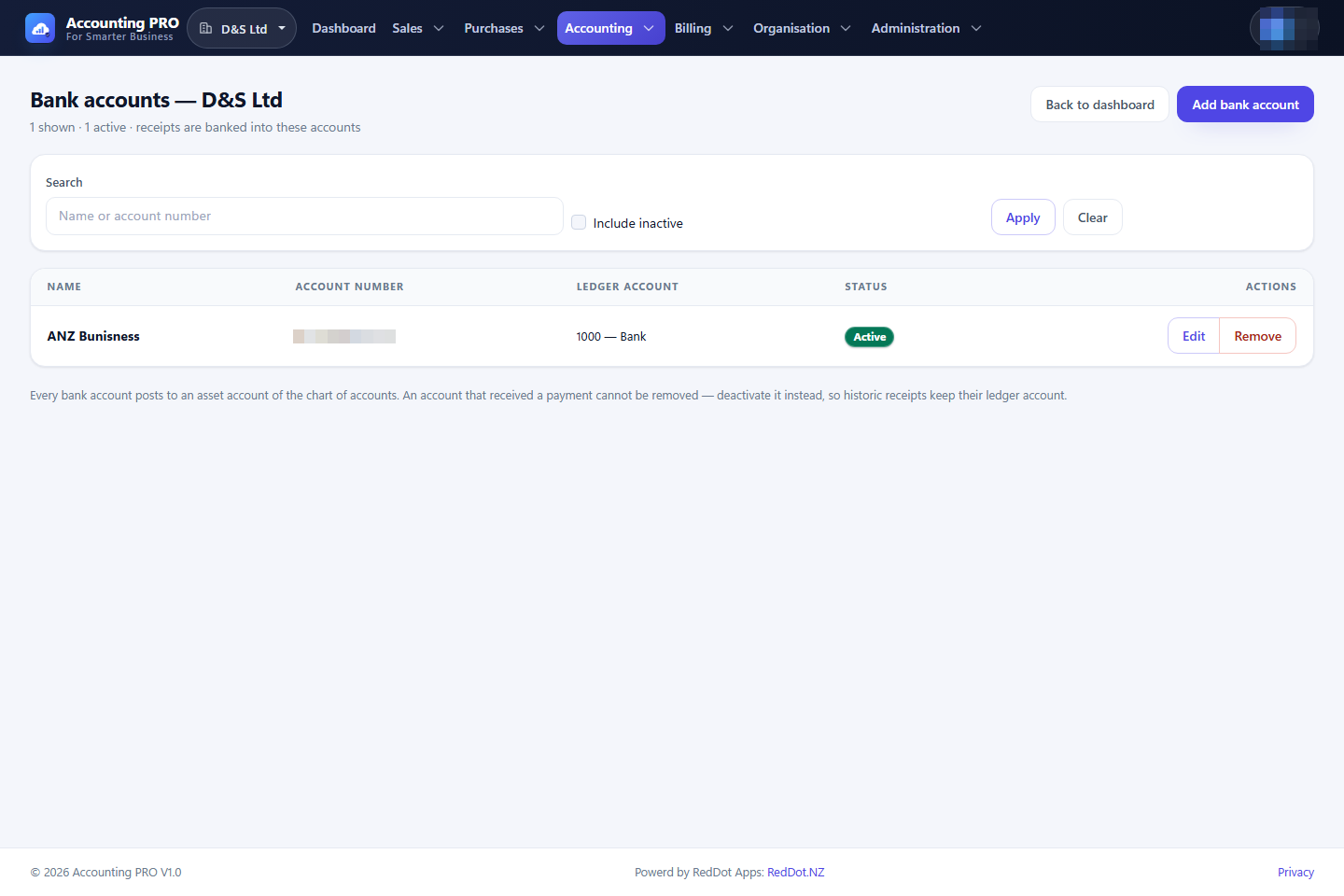
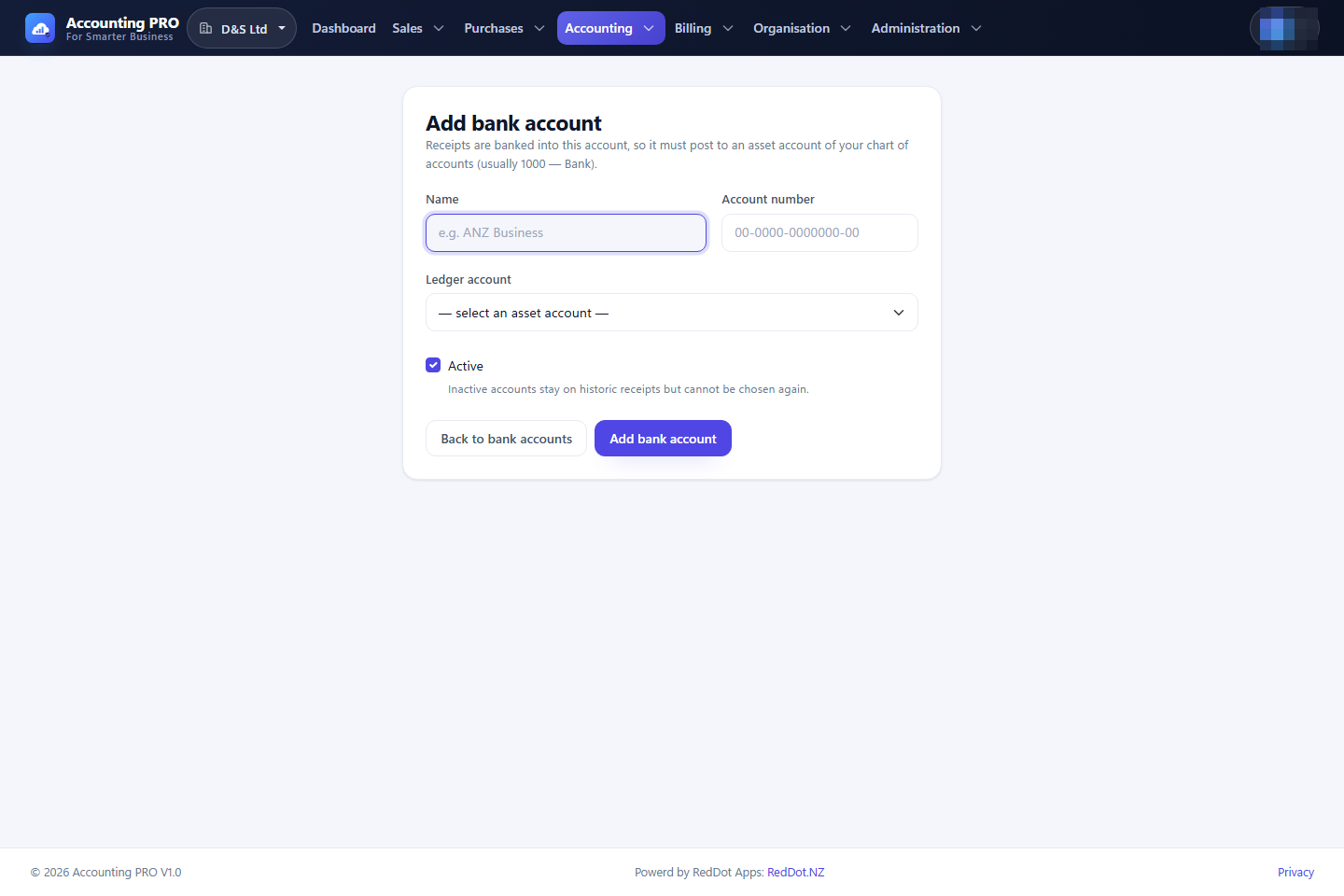
A bank account represents a real-world account and links it to an asset account in the chart of accounts. Customer receipts and supplier payments are banked against it.
- Open Accounting → Bank accounts.
- Select Add bank account.
- Enter the name, the account number and choose the ledger account.
- Keep the account active while it is in use; inactive accounts remain on historical transactions.
7.2 Bank transactions
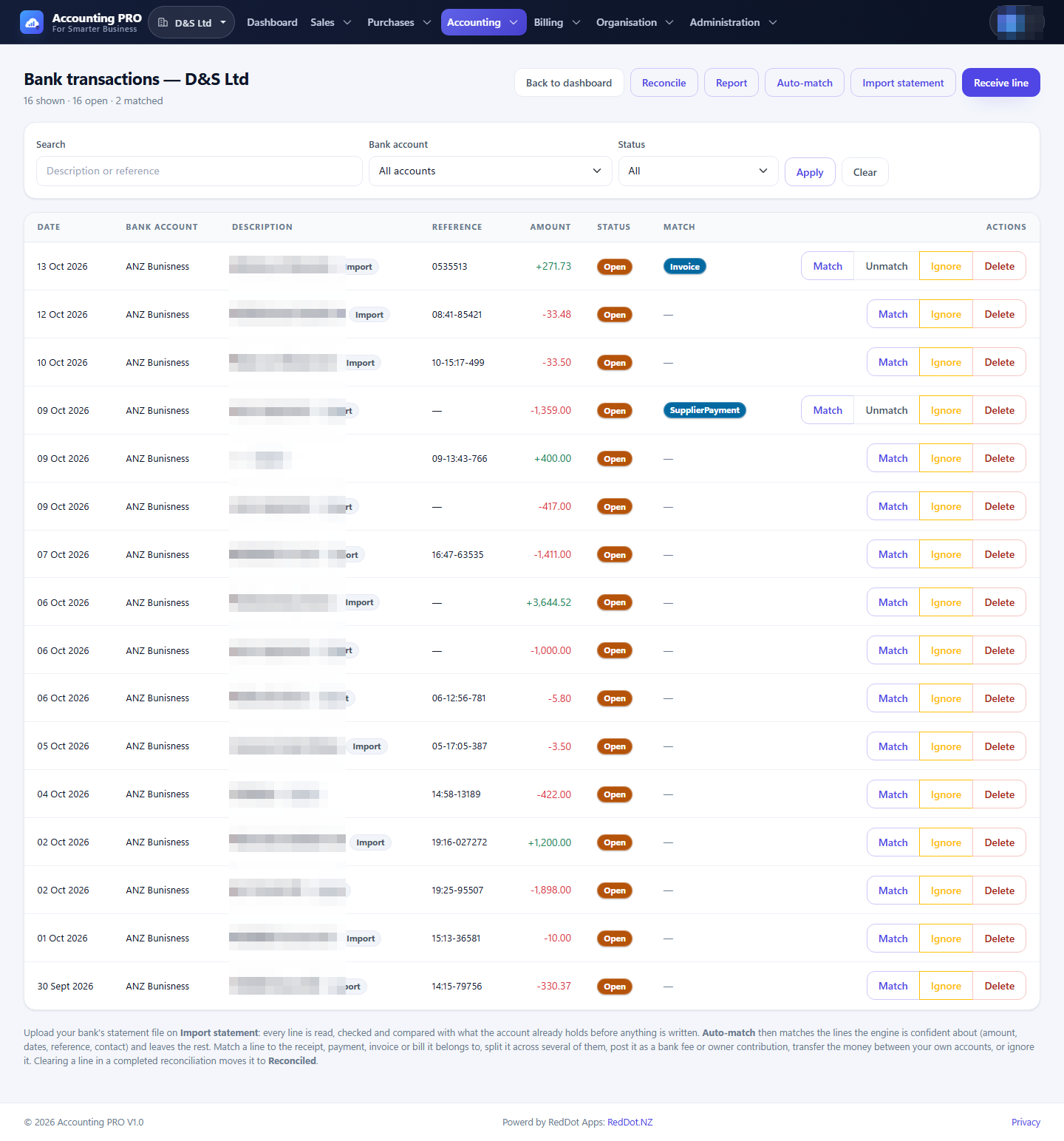
Accounting → Bank transactions holds the statement or feed lines for every bank account.
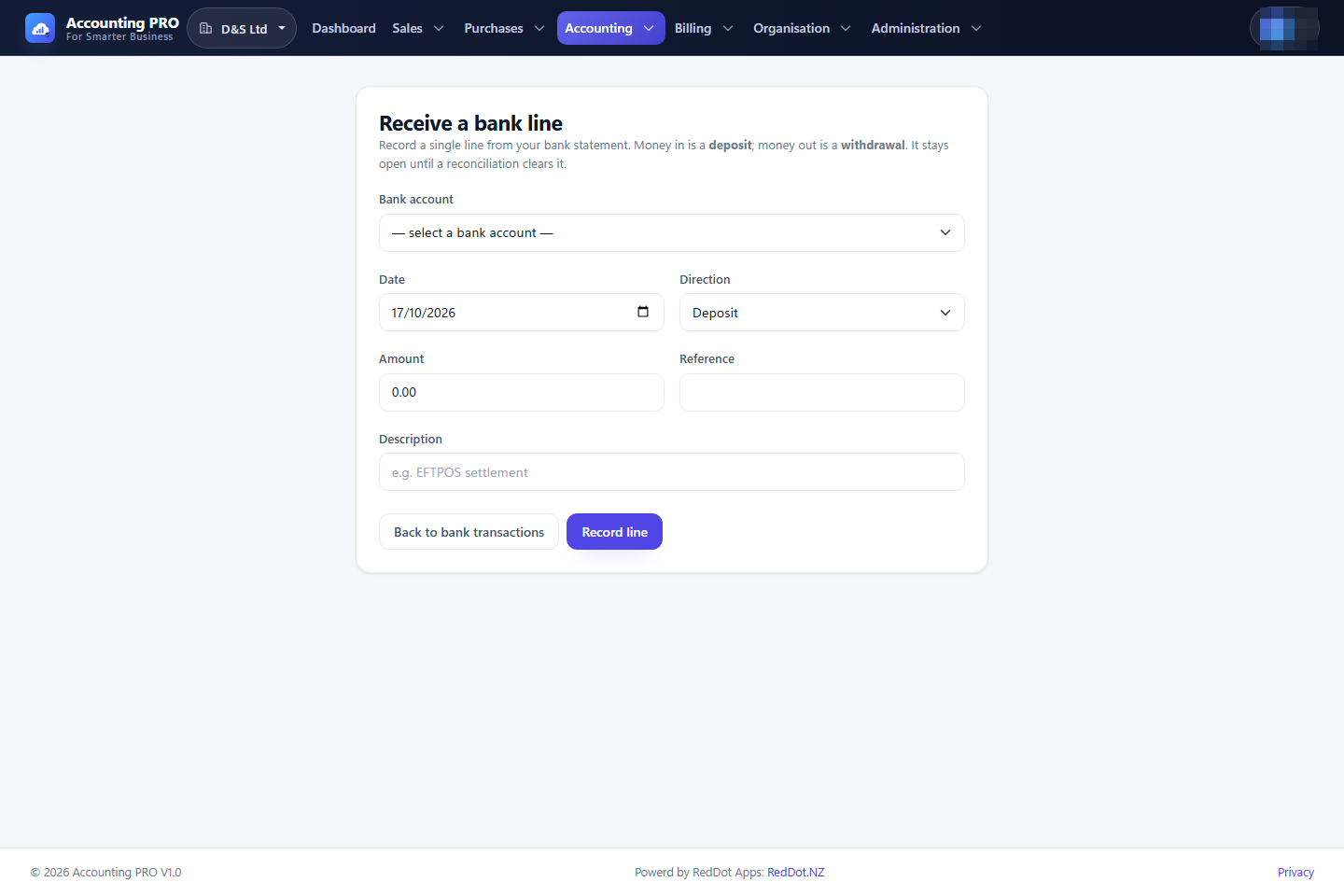
- Receive line records a single deposit or withdrawal by hand.
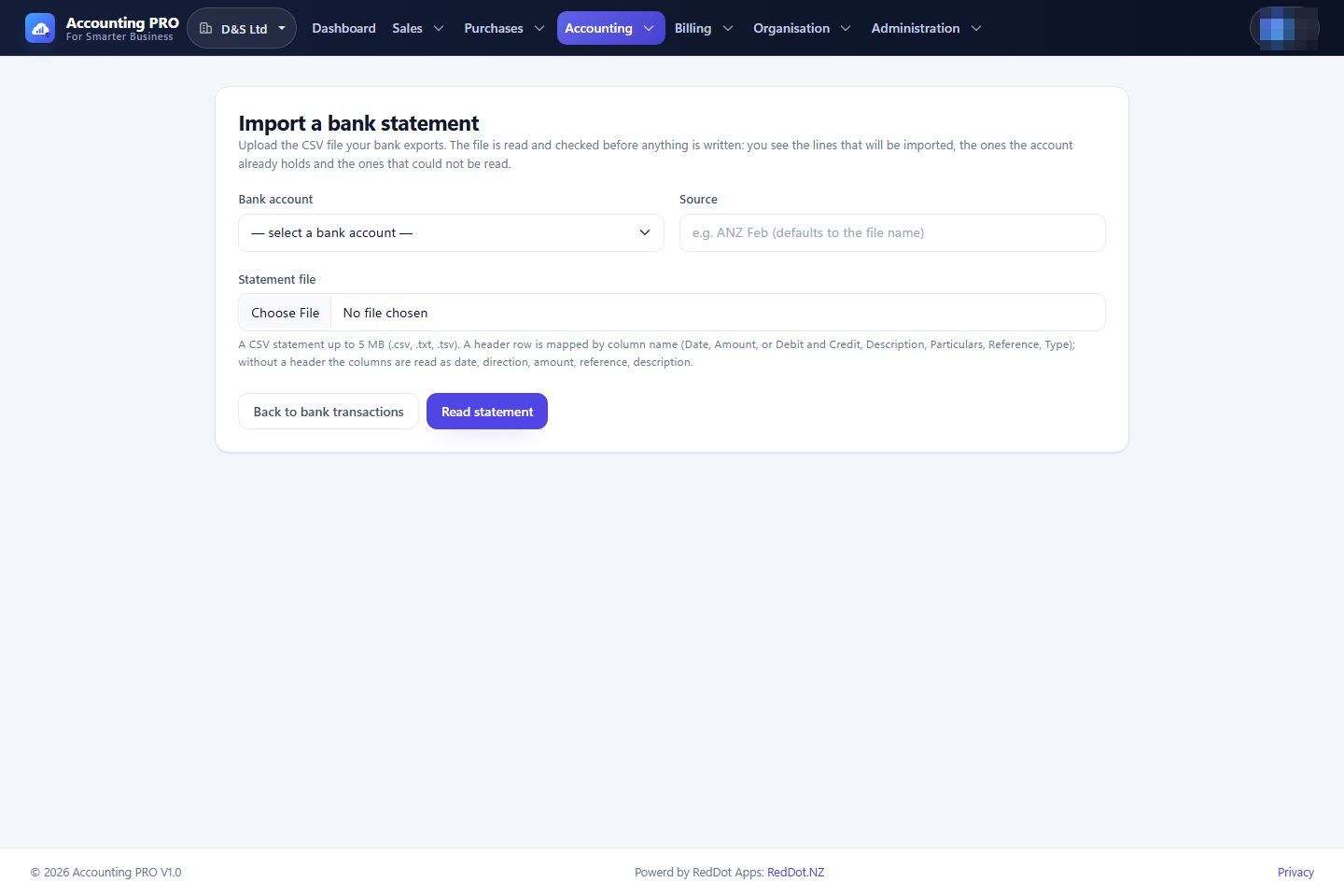
- Import statement reads a CSV bank statement, validates every row and shows what will be created before anything is written.
- Auto-match matches the lines the engine is confident about, using amount, date, reference and contact.
- Match opens the matching screen for one line.
- Unmatch releases a matched line.
- Ignore marks a line as needing no accounting; Delete removes a line (permission required).
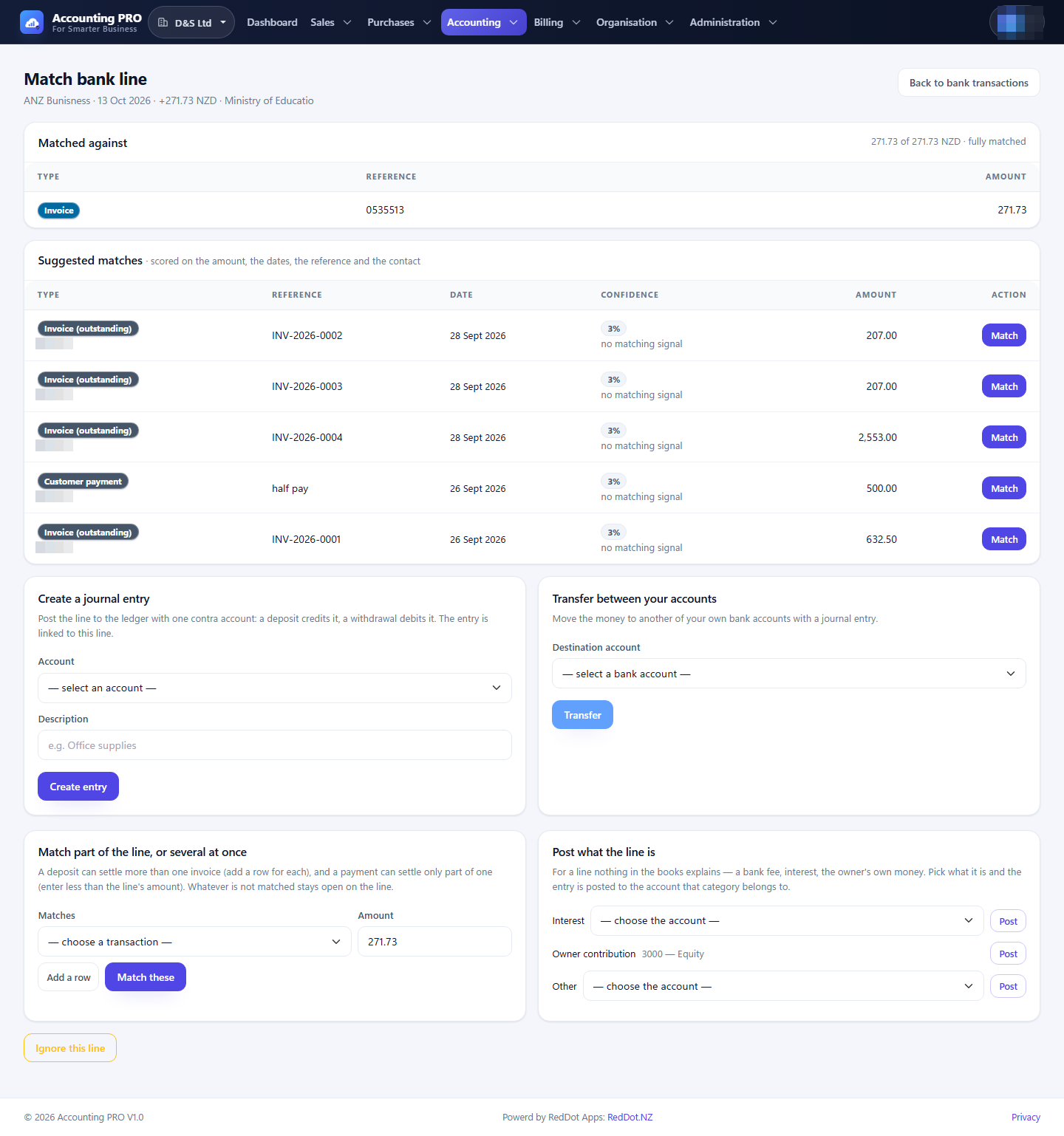
7.3 Matching a bank line
The match screen scores the possible transactions and offers several ways to clear the line:
- Match a suggested invoice, bill, customer receipt, supplier payment or journal entry.
- Match part of the line, or several at once — add several allocation rows for a grouped deposit, or an amount smaller than the line for a partial payment. Anything unmatched stays open.
- Create a journal entry with one contra account for a fee, interest or other unexplained movement.
- Transfer the money to another of your bank accounts.
- Post what the line is — interest, owner contribution or another category posted to the account you choose.
- Ignore this line when no accounting entry is needed.
7.4 Reconciliation
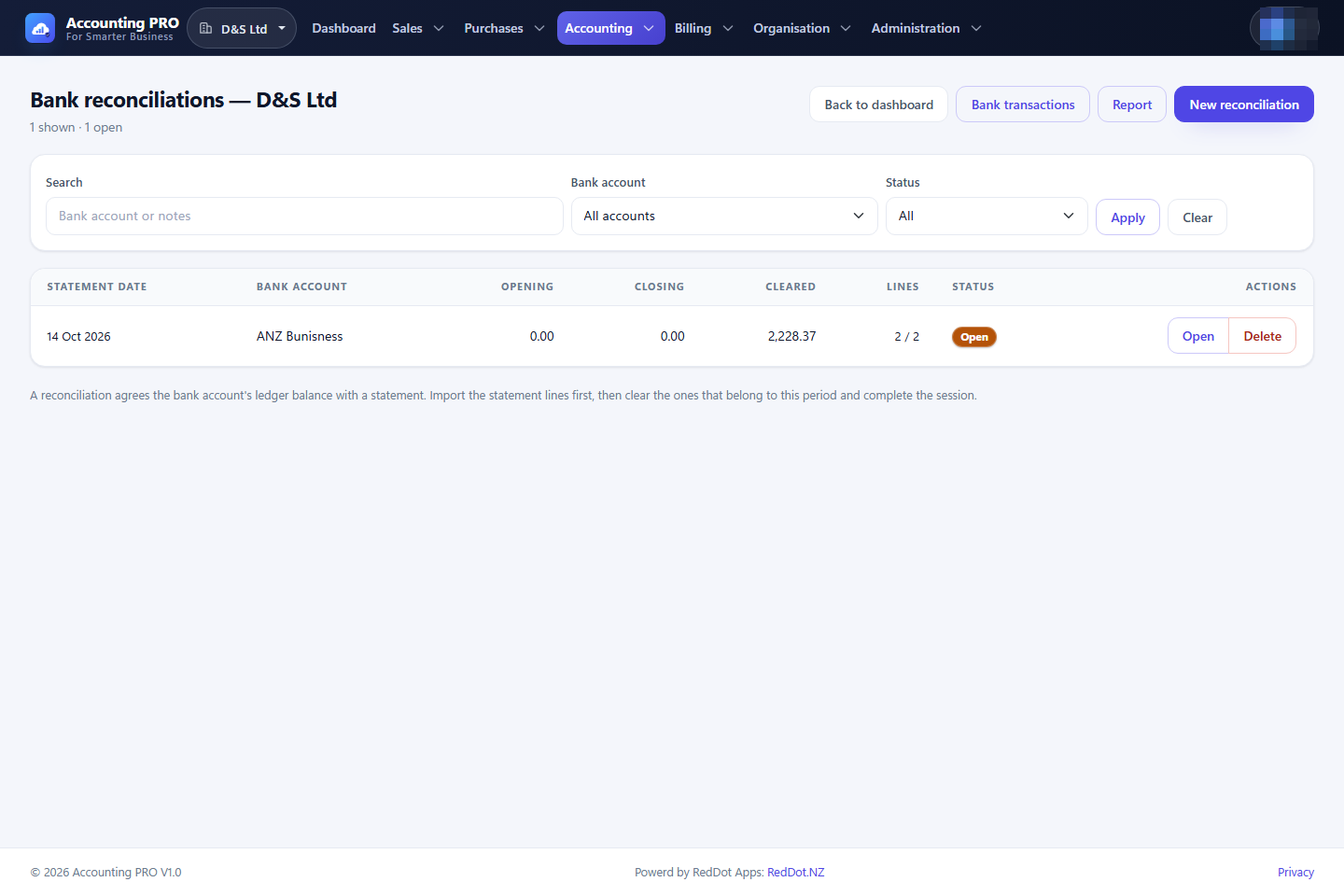
Reconciliation proves the bank statement against the ledger and locks the cleared lines.
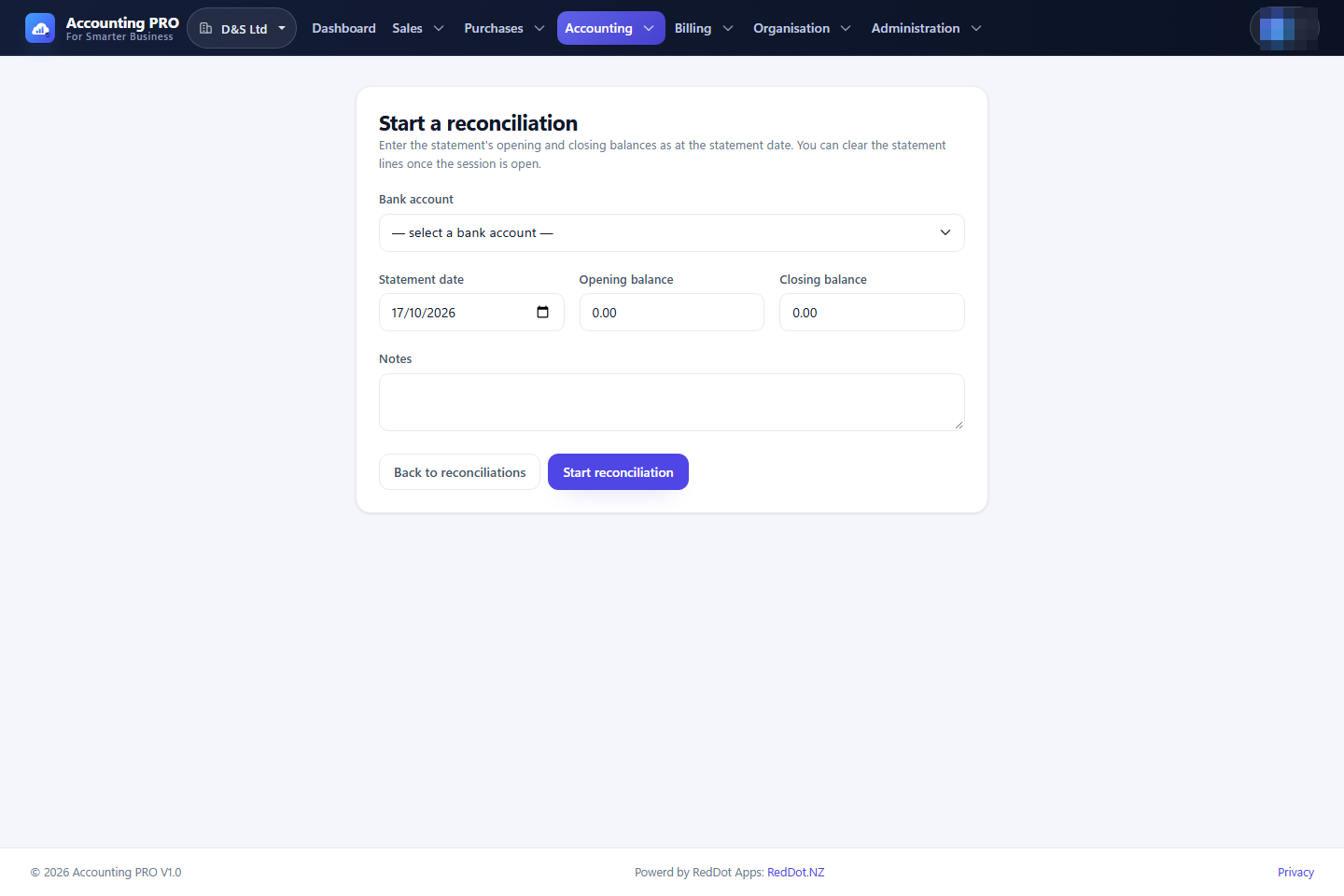
- Open Accounting → Reconciliation and select New reconciliation.
- Choose the bank account, the statement date, the opening balance and the closing balance, and add optional notes.
- Select Start reconciliation.
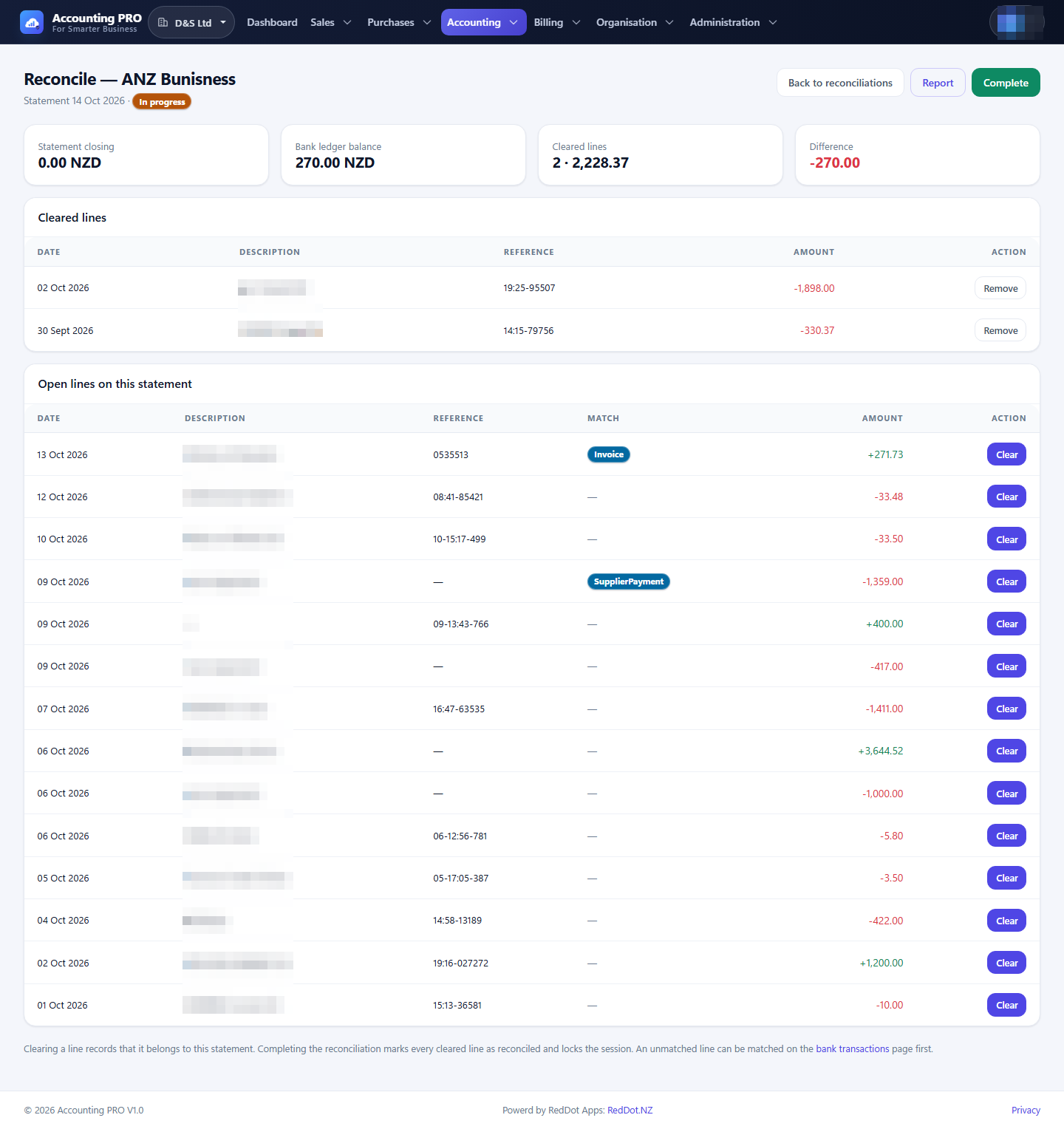
- On the reconcile screen, add the statement items that clear the account and remove any that do not belong.
- Select Complete when the reconciliation balances. The session is locked and its lines move to Reconciled.
- Open Report from the register to see a completed reconciliation.