
10. Subscription and billing
10.1 My subscription
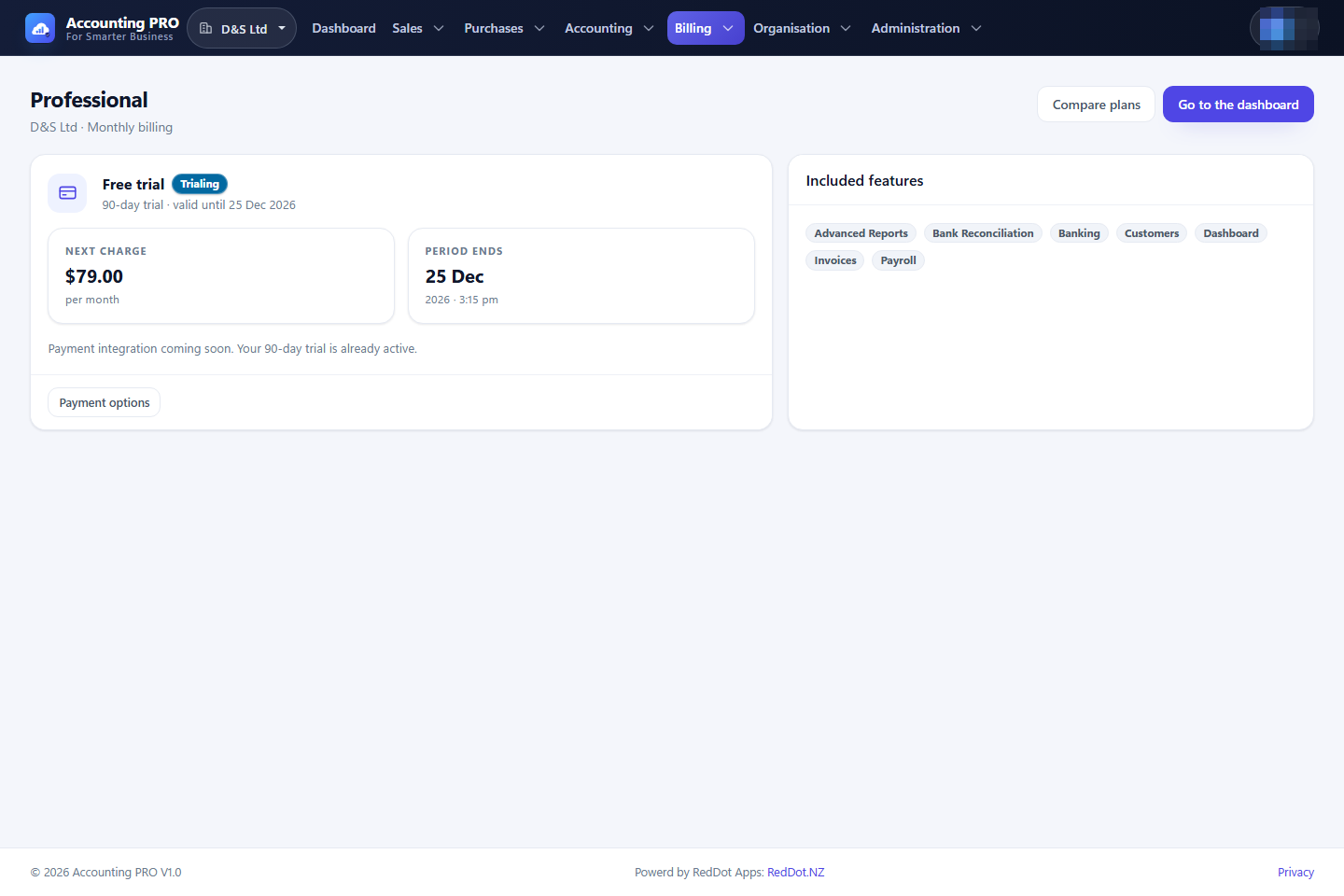
Open Billing → My subscription to see the plan, its status, the period end and the features it unlocks.
- Trialing — the free trial is running; all plan features are available.
- Active — the subscription is paid and current.
- Past due — the renewal payment failed, but the paid period has not ended yet: everything still works and a banner in the header warns until the payment details are updated.
- Trial ended, Expired or Cancelled — the plan lapsed. The organisation becomes read-only (see 10.2).
Use Compare plans to change plan and Payment options for the checkout screen. Payment integration is currently a stub: trials and plan changes are recorded without charging a card.
10.2 Plans and pricing
Billing → Plans & pricing shows the available plans.
- Free plans activate immediately and never lapse.
- Paid plans start with a 90-day free trial, with monthly or annual billing. The free trial is granted once per organisation: after it has been used, choosing a paid plan starts the subscription straight away.
- Each plan has a maximum number of users. The limit is enforced: active members and pending invitations count, invitations and acceptances beyond it are refused, and the dashboard warns when every seat is taken.
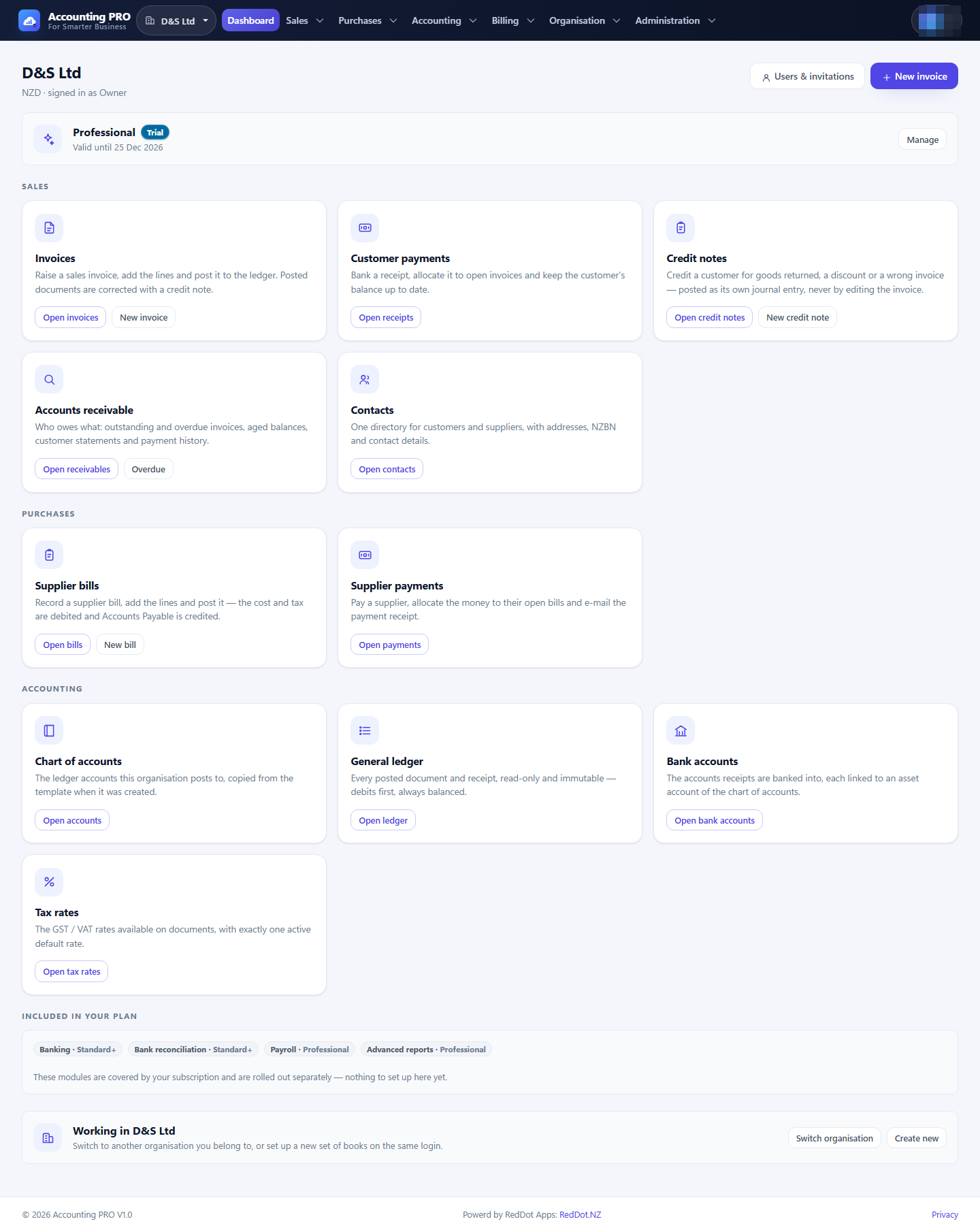
The plan's feature codes decide which modules open. Selecting a plan that the organisation does not yet have takes effect immediately for every member.
10.3 When a trial or a plan ends (read-only)
A trial or a paid period ends at the date shown on My subscription. From that moment the organisation is read-only — no data is lost and nothing is deleted:
- everything already recorded can still be read, printed and exported (invoices, statements, reports, GST returns);
- new documents, postings, payments and customer e-mails are refused — a save while read-only returns you to the read-only page with an explanation;
- automatic work stops too: recurring invoices are not generated and overdue reminders are not sent;
- a banner at the top of every page names the state, and Choose a plan opens the read-only page, which lists the plans and resumes the organisation in one click.
The read-only page is Billing → Choose a plan (https://accounting.reddot.nz/Subscription/Expired). A free plan never lapses; a cancelled subscription runs to the end of the paid period and then becomes read-only.
10.3 Plan features
Every module is gated to exactly one feature code, and every plan is built on a shared core entitlement — a plan is priced on what it adds, never on what it takes away.
| Feature code | Module | Free | Standard | Professional |
|---|---|---|---|---|
dashboard |
Dashboard | ✔ | ✔ | ✔ |
customers |
Contacts — the customer / supplier master file | ✔ | ✔ | ✔ |
invoices |
Invoices, credit notes, recurring invoices, bills, supplier credit notes and refunds, supplier payments, receipts, receivables, payables, invoice templates and products & services | ✔ | ✔ | ✔ |
accounting |
Chart of accounts, tax rates, financial periods, journals and the data import wizard | ✔ | ✔ | ✔ |
gst-returns |
GST returns (prepare, reconcile, file, export) | ✔ | ✔ | ✔ |
banking |
Bank accounts and bank statement import / matching | ✔ | ✔ | ✔ |
bank-reconciliation |
Reconciliation sessions and reports | — | ✔ | ✔ |
advanced-reports |
Financial reports | — | — | ✔ |
payroll |
Reserved for a future payroll module | — | — | ✔ (planned) |
Screens that are deliberately outside plan gating — signing in, creating or selecting an organisation, members and invitations, billing, and the application-level administration screens — are exempt and say why in the code.
When a module is not in the plan, opening it shows the feature locked page instead of the module. Upgrade the plan to unlock it.
Note: Bank accounts ship with every plan because a customer receipt has to be banked into one; the paid banking workflow is reconciliation.
Note: Payroll appears as a Professional-plan feature in the catalogue but the payroll module itself has not been released yet.