1. Introduction
Accounting PRO keeps a complete set of double-entry books for one or more organisations behind a single login. It is designed around New Zealand practice: GST returns are prepared on the Inland Revenue GST101 layout, the financial year commonly starts in April, and the default currency is NZD.
1.1 What the application does
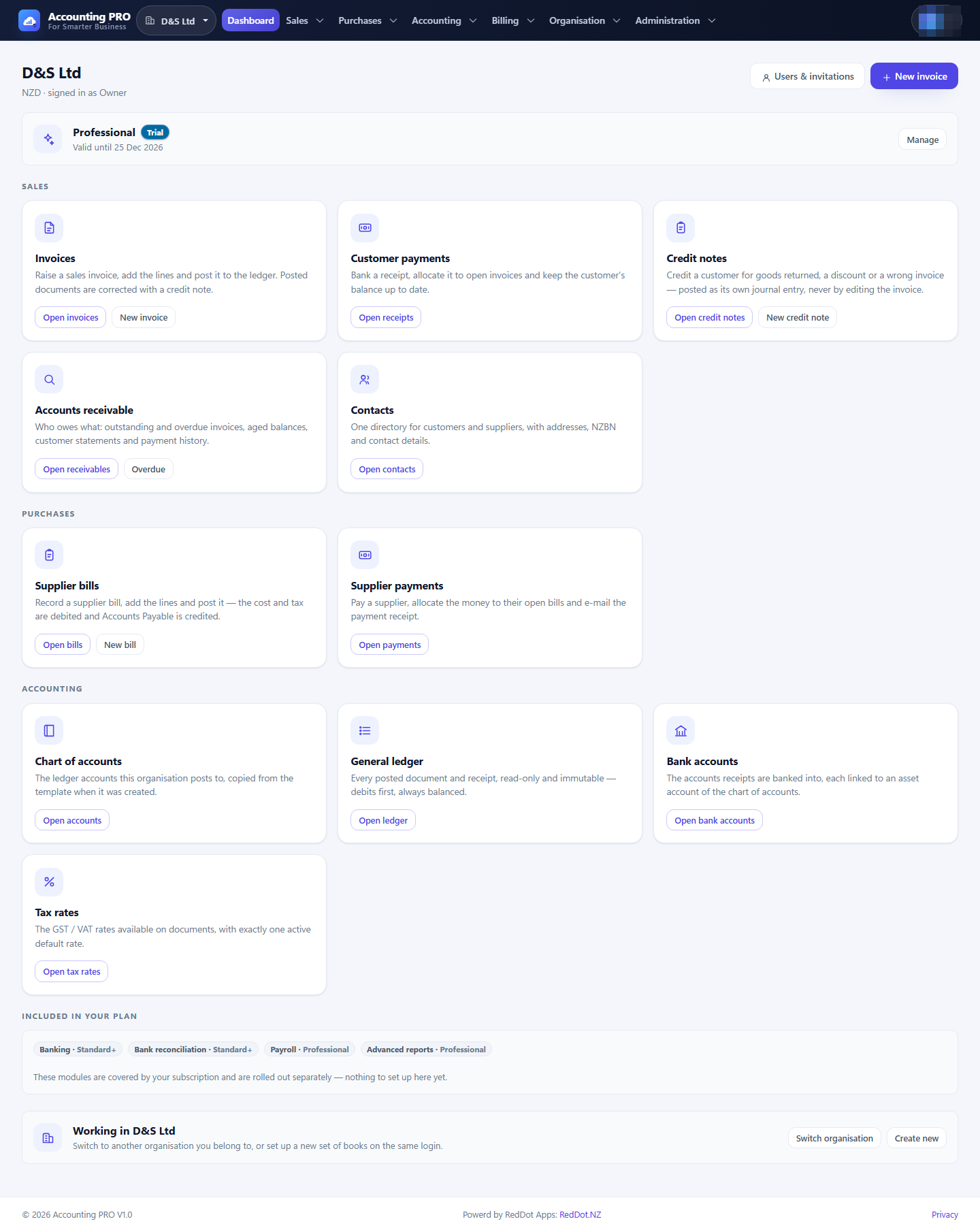
- Sales — customers, products and services, invoices, credit notes, customer receipts and receivables reporting.
- Purchases — supplier bills, supplier credit notes and refunds, supplier payments and payables reporting.
- Accounting — chart of accounts, financial periods, the general ledger, manual journals and financial statements.
- Banking — bank accounts, statement import, transaction matching and reconciliation.
- GST — tax rates, GST101 preparation, ledger reconciliation and filing history.
- Organisation — settings, users, roles, invitations, invoice templates and a data-import wizard.
- Billing — subscription plans, free trials and feature entitlements.
- Administration — application-wide plan, feature and account-template management for global administrators.
1.2 The rules that keep the books trustworthy
Accounting PRO follows a few deliberate rules. Understanding them explains most of the screens in this manual.
- Drafts are not accounting records. An invoice, bill or credit note only affects the ledger when it is posted. Drafts may be edited or deleted.
- Posted documents are never edited. A posted invoice is corrected by voiding it (which creates a credit note) or by raising a credit note. A posted bill is voided with a reversing supplier credit note. A manual journal is corrected by reversing it, which writes a mirror entry and leaves the original in the ledger.
- Every posting balances. Debits always equal credits, and the journal lines are derived on the server from the document, not from the browser.
- Everything belongs to one organisation. Each record carries its organisation and is invisible to members of any other organisation.
- Money is only recognised once. Posting a document, recording a payment and reconciling a bank line are separate steps; the application prevents a document from being posted twice.
- The ledger is the source of truth. Reports are arithmetic over posted journal lines, so the statements, GST return and trial balance agree with one another.
1.3 Accrual and cash basis
The organisation's accounting basis changes what posting does:
| Basis | What posting an invoice does | When revenue and GST are recognised |
|---|---|---|
| Accrual (default) | Writes the journal: debit Accounts Receivable, credit Sales and GST. | On the invoice date. |
| Cash | Issues the document (status Sent) and writes no revenue journal. | When a customer receipt is recorded. |
The validate and post screens state which behaviour applies, as shown in Figure 4.9. Suppliers bills follow the same logic: on a cash basis the cost is recognised when the supplier payment is recorded.