11. Global administration
Global administrators see an extra Administration menu. Access is controlled
by the application's administrator email allow-list (AppAdmin:Emails) and the
GlobalAdmin role; it is not an organisation role.
11.1 Account templates
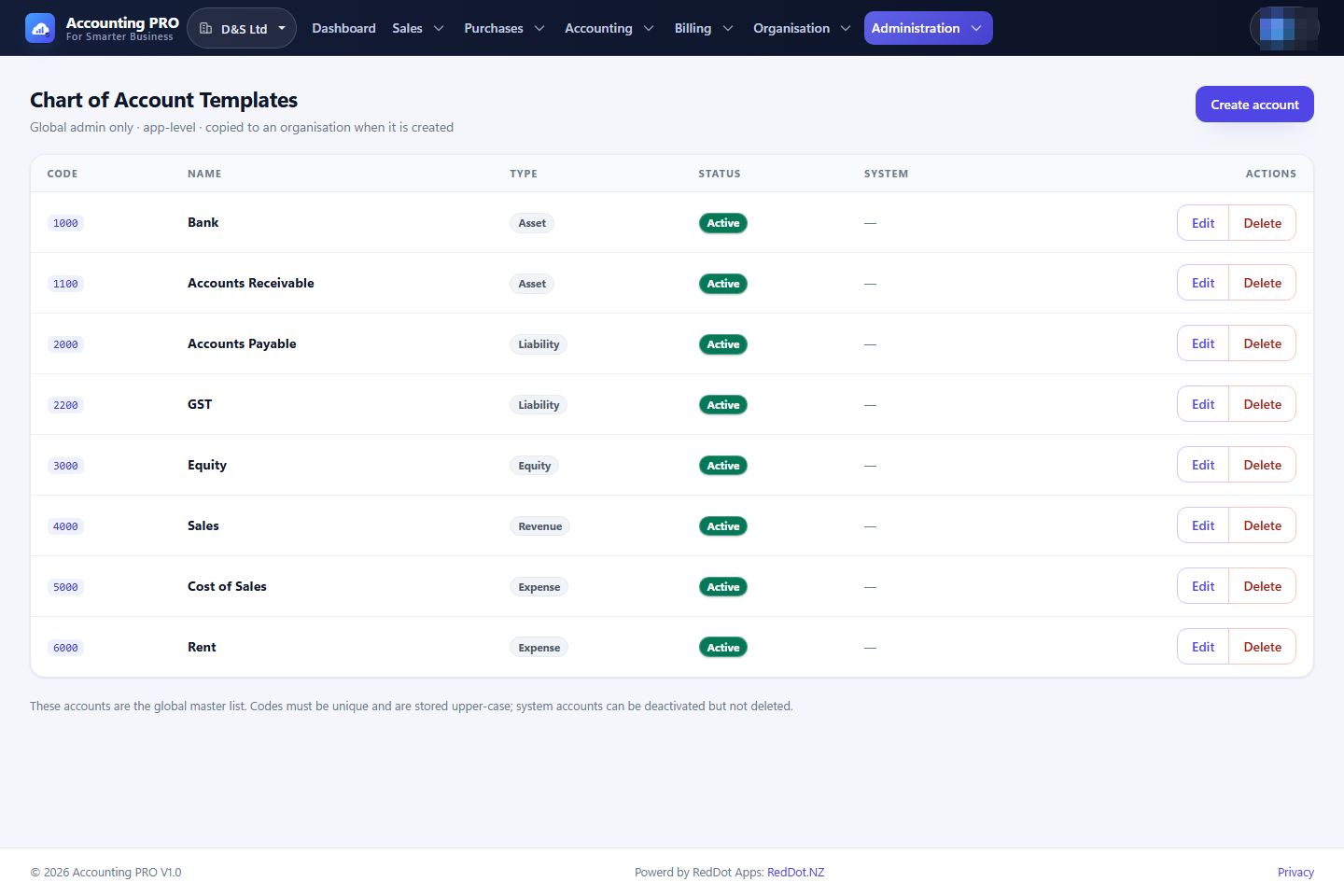
Administration → Account templates maintains the chart-of-accounts templates used when an organisation is created or its chart is copied.
- Create, edit and delete templates.
- Each template carries the standard accounts and their types.
- Changes affect future organisations, not existing charts.
11.2 Plans and features
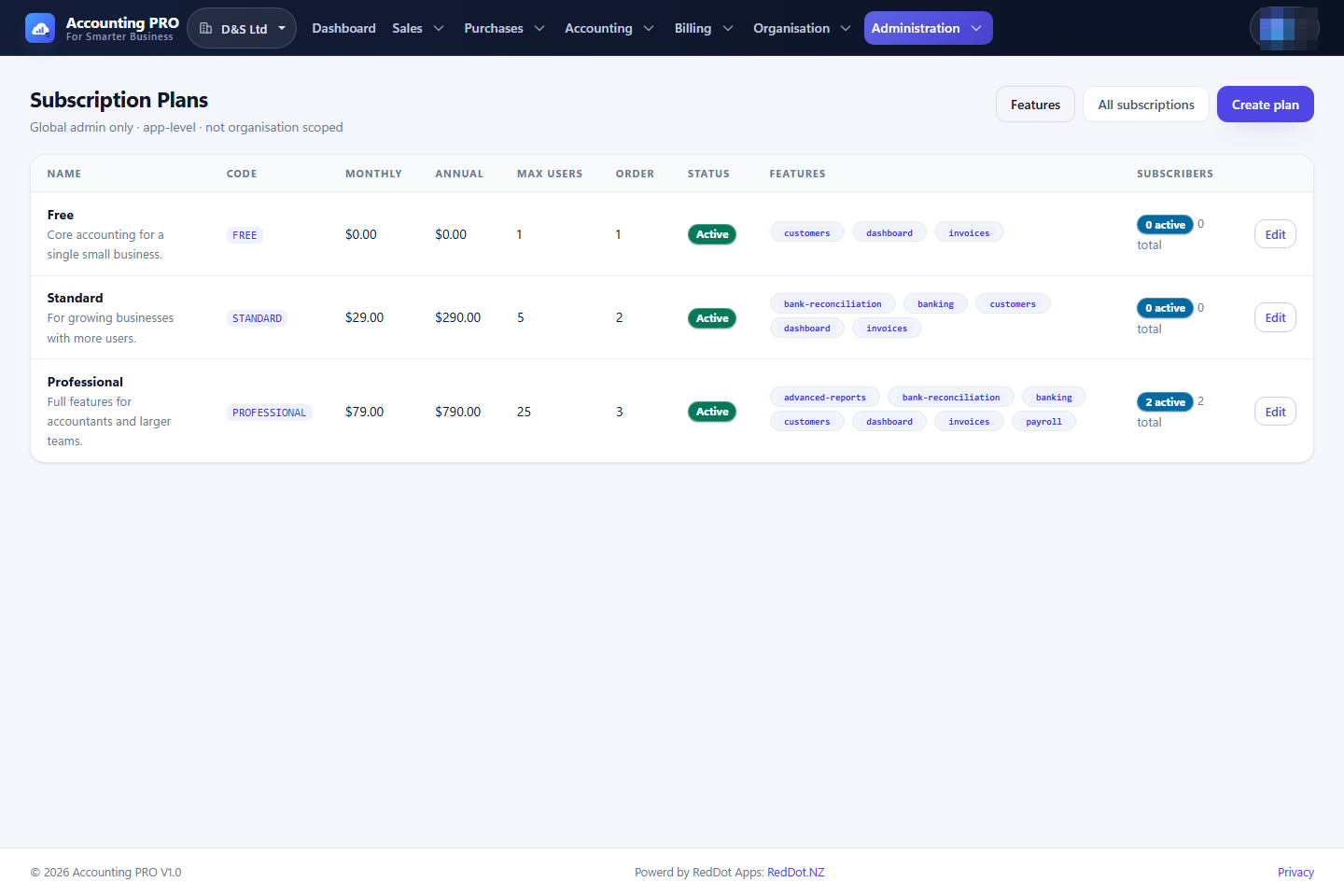
Administration → Plans & features has two screens:
Plans
- Create and edit a plan: name, code, description, monthly price, annual price, maximum users, active flag and display order.
- A plan can be deactivated without deleting its subscriptions.
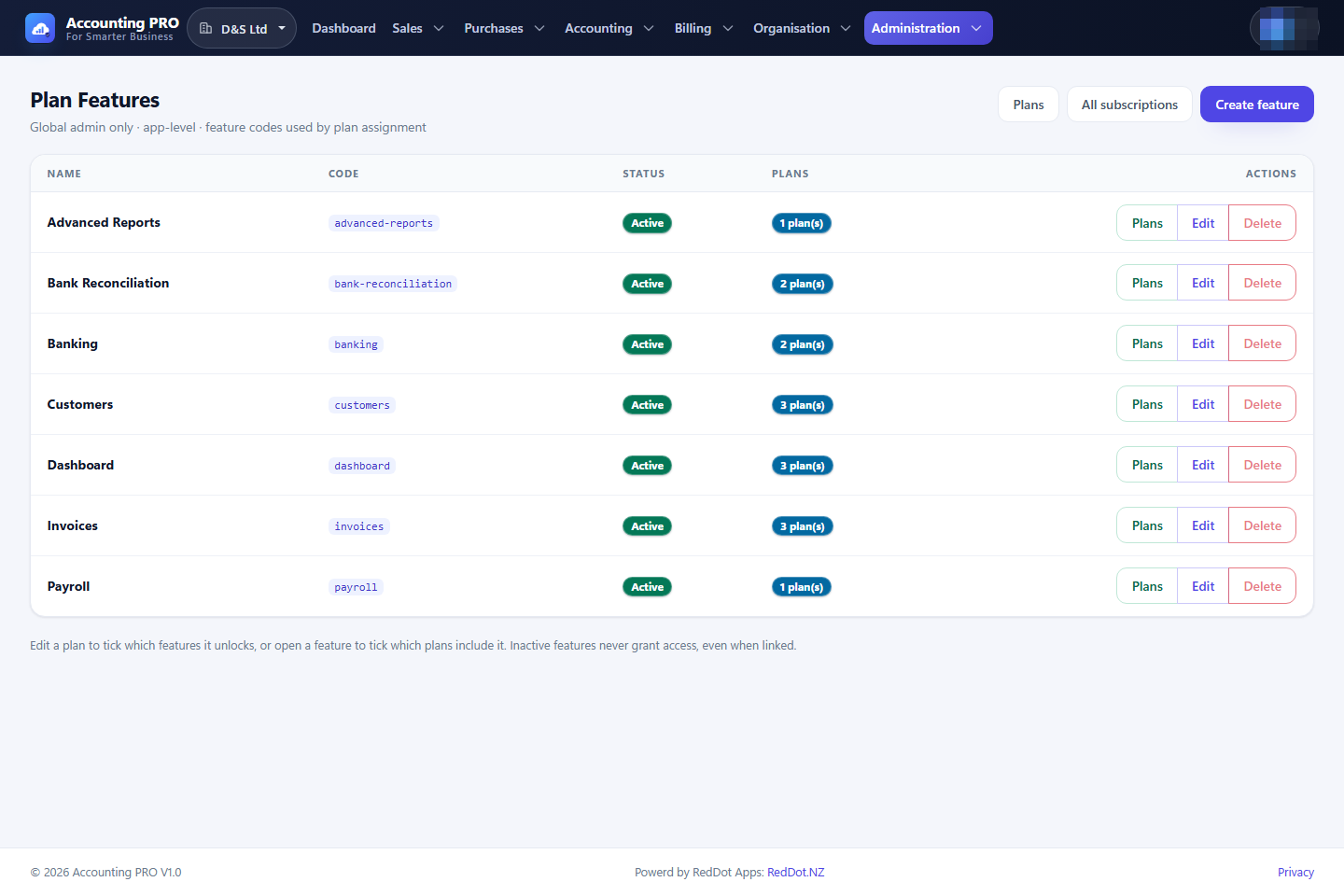
Features
- Create, edit and delete feature definitions.
- Assign features to plans. The matrix determines which modules each plan unlocks.
- Built-in codes are the ones the application gates modules on:
dashboard,customers,invoices,accounting,gst-returns,banking,bank-reconciliation,payrollandadvanced-reports. They are marked Built-in in the list. - A built-in code cannot be renamed or deleted — that would lock its module for every organisation. Change its display name, its Active flag or its plan assignments instead. Switching Active off locks the module on every plan until it is switched back on.
- Custom (non built-in) features can be created, renamed and deleted freely; a custom feature may not claim a built-in code.
- If a catalogue row is ever missing (for example a deployment that skipped a migration), the application restores it, together with the plan assignments the catalogue describes, at start-up and logs a warning. Assignments you made yourself are never overwritten.
11.3 All subscriptions
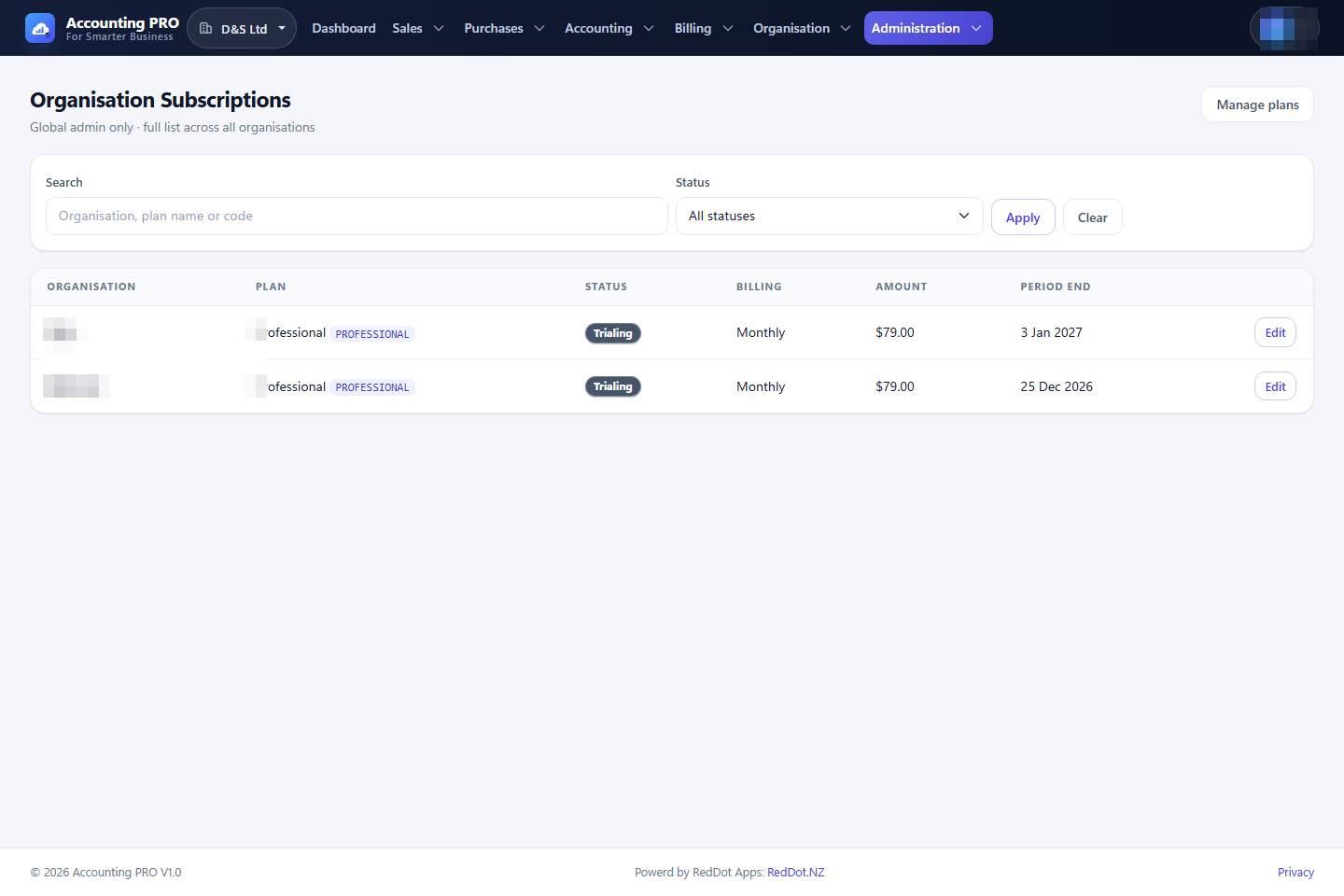
Administration → All subscriptions lists every organisation's subscription. Search and filter, then open a subscription to change its plan, status or current period. This is how support can extend a trial, correct a status or move an organisation between plans.